A new, stunning, SVG editor – Aneymate
Cutting-edge interactive graphics made easy
Introducing Our New SVG Animation Editor – Aneymate
Say goodbye to static visuals and hello to motion that captivates.
Our new SVG Animation Editor gives you everything you need to design eye-catching, lightweight animations—without touching a line of code.
That’s why we built our new SVG Animation Editor—a powerful, intuitive workspace designed to make animated vectors accessible to everyone.
With real-time previews, timeline-based controls, precise easing options, and code export that’s clean and production-ready,
the editor bridges the gap between creativity and execution.
No plugins, no bloated software—just pure, flexible animation you can craft right in your browser.
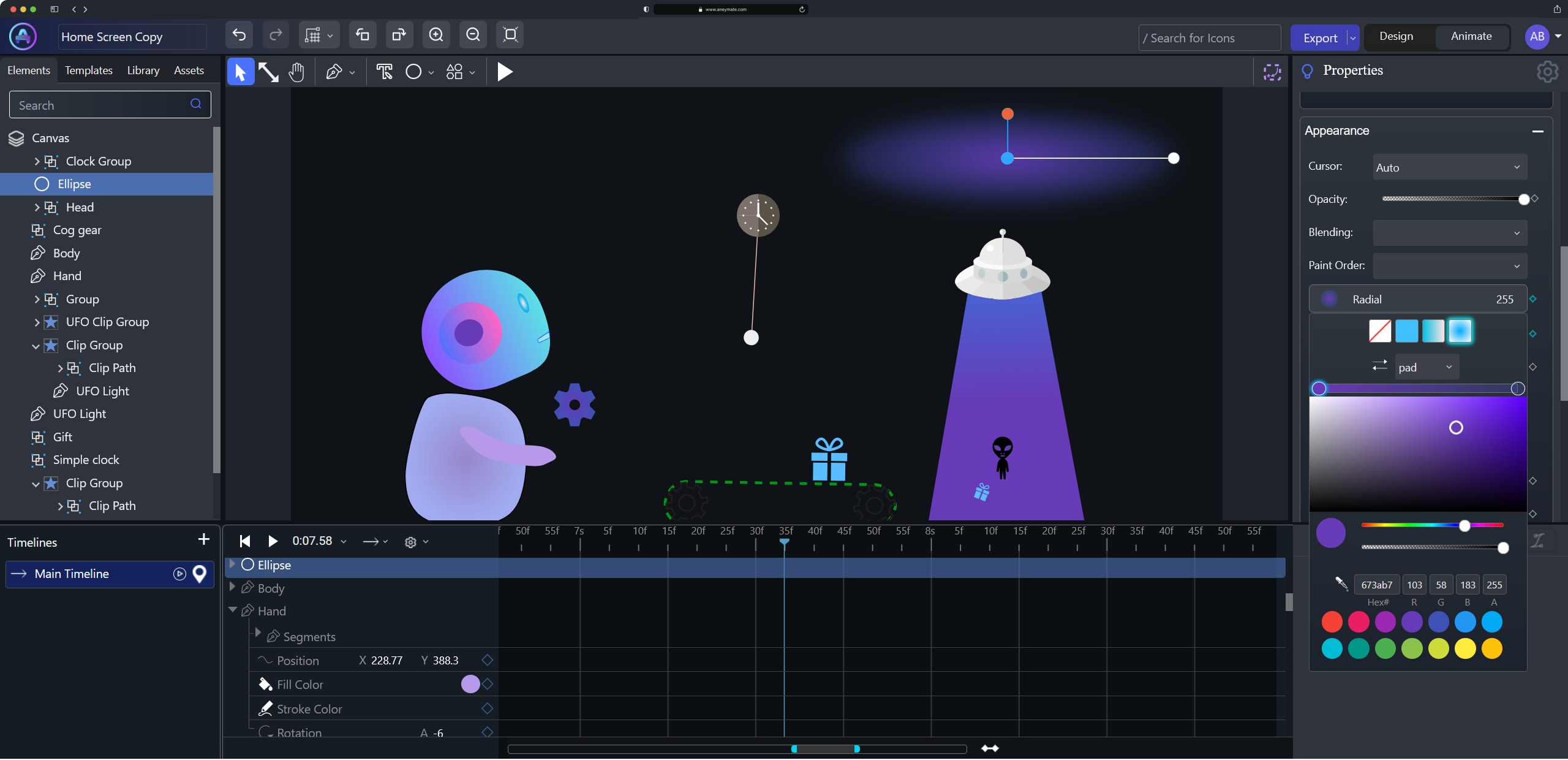
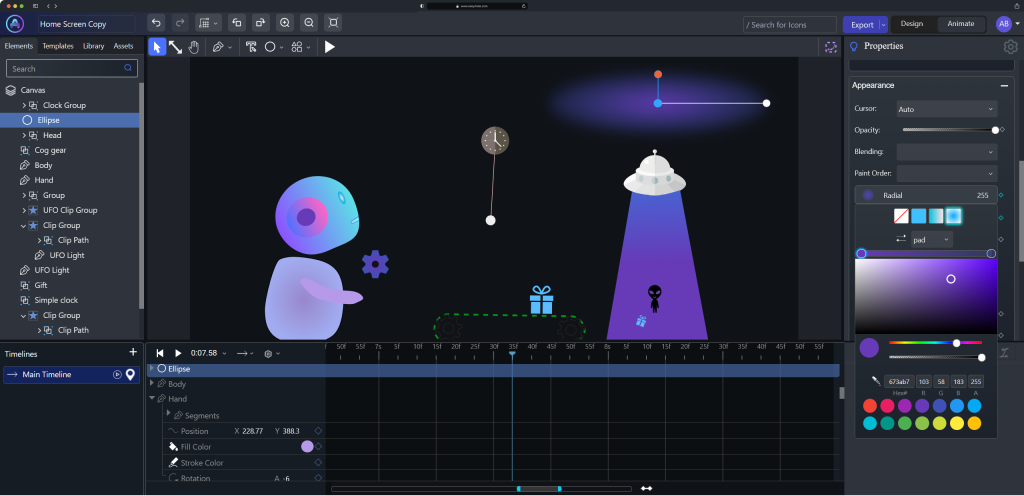
Be ready to explore our powerful interface with extended features:
- Design – Create crisp, scalable vector graphics with an intuitive design workspace built for creativity.
From simple shapes to detailed illustrations, the editor gives you all the tools you need to craft visuals exactly the way you imagine them. - Animate
Bring your designs to life with smooth, expressive animations. The editor makes it easy to apply motion, transitions, and effects—no code required—so you can focus on storytelling through movement. - Timelines
Control every detail of your animation with a powerful timeline system. Adjust timing, sequence events, and fine-tune motion with precision, giving you complete control over how your animation unfolds. - Interactions
Make your graphics dynamic and engaging by adding interactions. Trigger animations on hover, click, scroll, or other user behaviors to create responsive experiences perfect for modern web interfaces. - Export to SVG, Video, and Image
Share your creations anywhere with flexible export options. Whether you need lightweight SVG for the web, high-quality video for presentations, or static images for social media, the editor makes exporting seamless and fast.
Built for creators, designers, and brands that want to stand out, it transforms complex animation work into a simple, visual experience.
Drag, tweak, preview, export—done. From micro-interactions to full-screen illustrations, your vectors are now ready to move with purpose and personality.
Create sharper stories. Add instant polish. Elevate every project.
Your animations start here.